MIXED-CONTENT DIAGNOSTIC TOOL
http:// that broke it.The certificate is fine. The TLS handshake succeeded. Yet the browser shows "Not Secure" — because one subresource on your page is loaded over plain HTTP. Paste your URL and Padfind names the exact resource, the line it appears on, and what the browser will do with it.
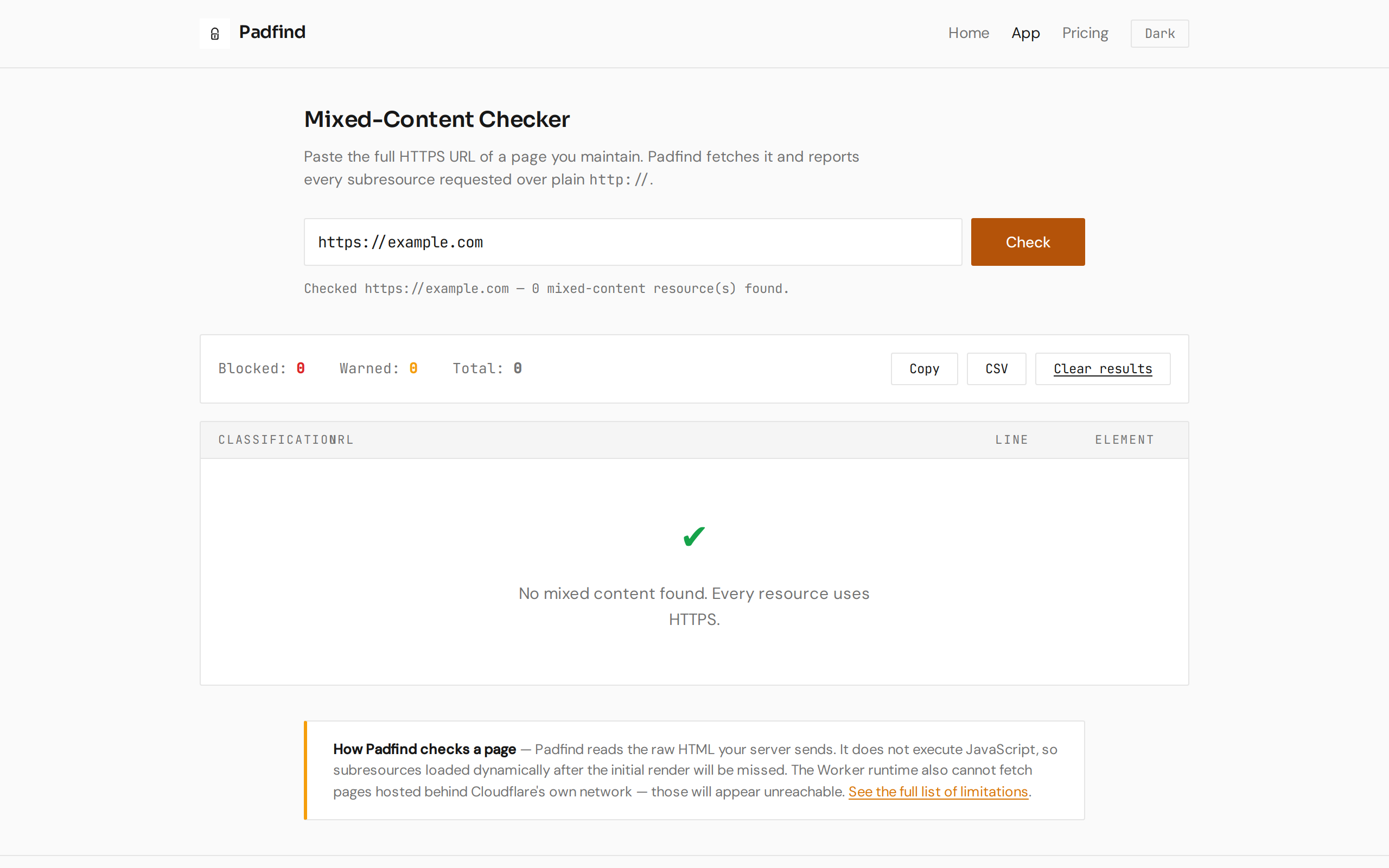
Enter a URL and click Check to see sample results below.
01 / WHAT IT CHECKS
Padfind fetches your HTTPS page, parses every element that can load an external subresource,
and returns a structured list. Every <script>, <img>,
<iframe>, stylesheet, @font-face, and embed is found — by
the exact attribute it uses, the line it appears on, and whether the browser will block the
resource or just downgrade the security indicator.
02 / BLOCKED VS WARNED
Browsers draw a sharp line. Resources that can execute code or affect the page layout
(<script>, stylesheets, <iframe>) are blocked outright —
the browser refuses to load them on an HTTPS page. Images, video, audio, and prefetch hints
may be silently upgraded or downgrade the security indicator without blocking content.
Padfind tells you which class every resource falls into.
Blocked — These resources are never loaded. The padlock never appears.
Warned — May load but degrade the indicator.
03 / WHAT IT COSTS
Every feature of Padfind is available for free. There is no rate limit, no "pro" feature hidden behind a paywall, and no account to create. The pricing page describes a paid plan for future team/scheduled scanning features still in development — the tool you see today costs nothing and will keep working as-is.
04 / WHAT IT WILL NOT DO
Padfind reads the raw HTML your server sends. It does not run JavaScript. If your page loads subresources dynamically (after the initial render), those resources will be missed. This is a platform limitation — a headless browser would be needed, and the Worker runtime cannot run one. Single-page apps that fetch bundles via JS after load are the most common blind spot.
If a stylesheet host is down or refuses the connection, Padfind skips it. HTML-based findings are still reported; CSS findings for that host are silently omitted.
The Worker runtime cannot open a subrequest to a host that is itself behind Cloudflare. Those hosts will be reported as unreachable rather than as closed. This affects a large share of the web; if your check says the host is down, verify from another network first.
If the target page returns a 4xx or 5xx status, findings are based on the error page body — not the real page content. Padfind warns you when this happens.
05 / WHAT A RESULT LOOKS LIKE
No dashboard. No charts. One column of findings, each with the exact URL, its source line in the page, and a classification chip that tells you what the browser will do.
06 / A SCEPTIC ASKS
A valid certificate and a missing padlock are two different problems reported by the same
browser UI. The certificate establishes a secure tunnel to your server. The padlock means
every resource the page loads also uses that tunnel. One hardcoded http://
in a template you have not touched in three years — or a third-party embed the marketing
team added last week — pulls the padlock away, and no certificate tool will find it because
the certificate is not the problem. Padfind finds the resource.
Content-Security-Policy header with upgrade-insecure-requests
can tell the browser to upgrade HTTP resources to HTTPS — but it only works if the HTTPS
version of the resource exists. If the HTTPS URL 404s or the host does not serve HTTPS at
all, the resource still fails and the padlock is still affected. Padfind tells you what
the page actually requests, which is what matters.
SOMETHING TO TAKE WITH YOU
No account. No rate limit. No hidden features — every check is free and returns the full findings list.
Open the checker →